
Connecting To WiFi
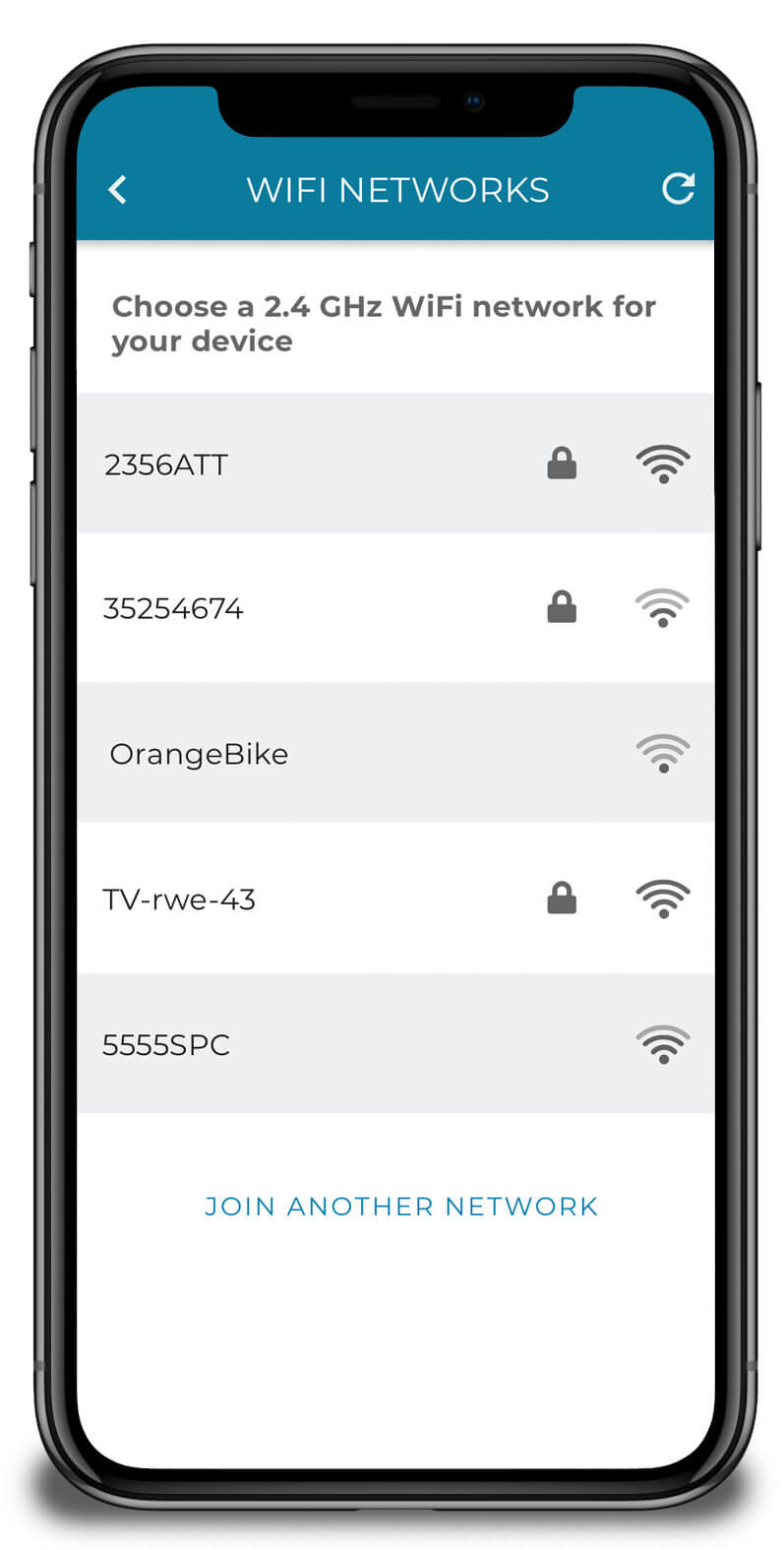
After connecting your phone to the device you can configure your Off-Grid Guardian with your local WiFi network. The mobile app will display a list of available WiFi networks and their signal strengths.
Off-Grid Guardian requires a 2.4 GHz WiFi network connection, so 5 GHz networks will not be listed. Battery powered internet devices typically only connect at 2.4 GHz since it requires much less power to operate, and because the signal will be stronger over longer distances and through walls. Most wireless routers do now offer both 2.4 and 5 GHz connection options.
After choosing a network and entering your WiFi password (if applicable), your Off-Grid Guardian will connect to your WiFi network and the mobile app will be disconnected from the device. You can put your Off-Grid Guardian back into the WiFi configuration mode via the settings menu if you want to choose another WiFi network.
If you have any additional questions about how Off-Grid Guardian works, or suggestions on how we can improve our documentation, please reach out via our contact form.